Project / Inventory management
ShopSync
A practical workflow for receiving parts, recording locations, and checking inventory.
Visit shopsync.online ↗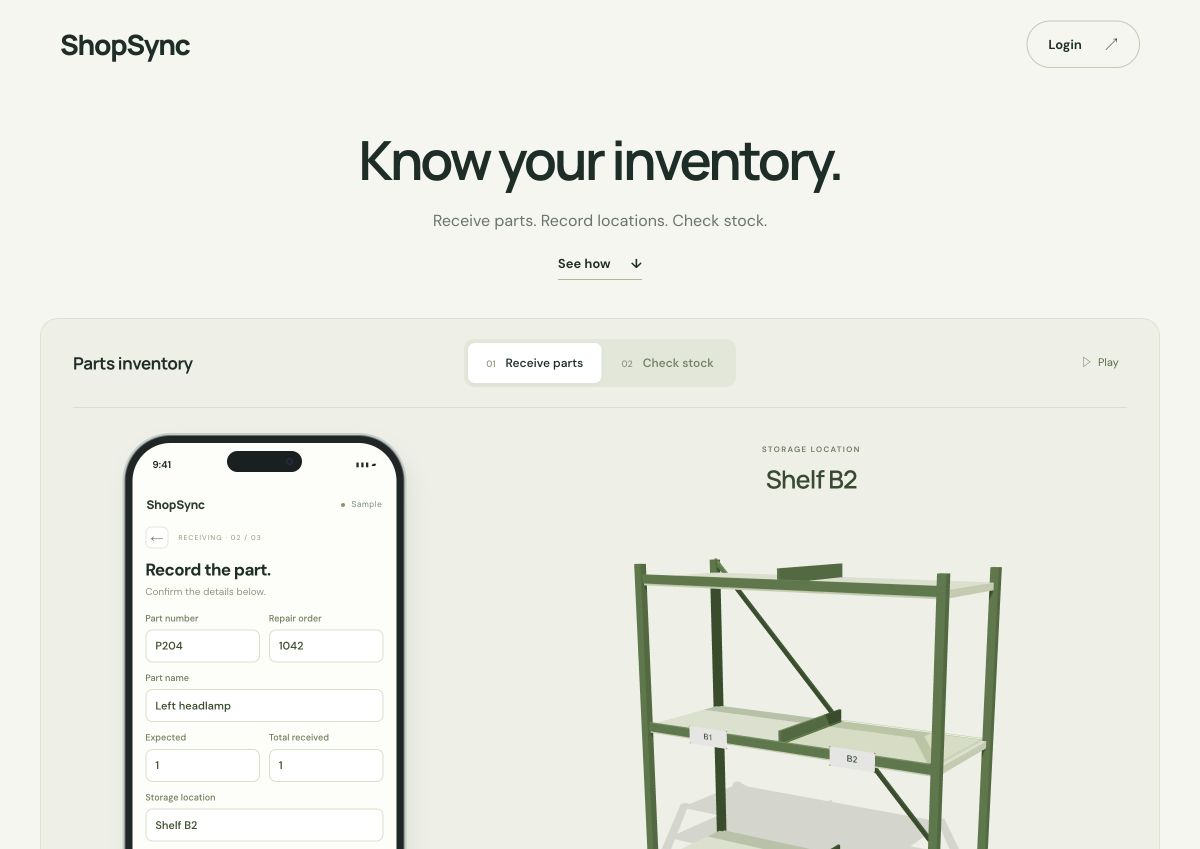
For shops keeping track of parts
ShopSync connects a part’s details with its repair order, quantity, and storage location. It brings receiving and stock lookup into one workflow, so knowing what’s in stock also means knowing where to find it.
From delivery to shelf
- Capture the part. Read a label or enter the details manually.
- Review and locate it. Confirm the part number, repair order, and quantity, then assign a shelf location.
- Find it again. Switch to checking stock and look up the part and where it belongs.
Try the public sample without signing in. It uses sample data and simulated scans, with demo changes saved on your device.
Try the receiving and stock demo ↗How it’s built
The live site’s architecture map shows how the interface, inventory data, label reading, and 3D shelf view connect.
Explore the architecture map ↗